Article

Laptop Hot and Fans Roaring? Laptop Overheating Repair St Albans to Cool It Down

Laptop Overheating Repair St Albans done fast with free call-out, no fix no fee and warranty. Deep cleans and fresh thermal paste stop hot, loud, shutting-down laptops. Call 01582 932732 or WhatsApp +44 7983 812603.

Table of Contents

Laptop Overheating Repair St Albans is what you need when your laptop runs hot, the fans roar constantly or it shuts down without warning. Excess heat throttles performance and can permanently damage internal components if left unchecked.

Hyper Tech Team is your local overheating repair specialist for St Albans and the surrounding towns. We come to you, diagnose the fault free of charge, and back every job with a no fix no fee promise and a warranty of up to 12 months. This guide explains what causes overheating, what to check, and exactly how we get your laptop cool and quiet again.

Laptop too hot to touch? Cool it down fast. Call 01582 932732 or message us on WhatsApp for an immediate quote. Free call-out across St Albans.

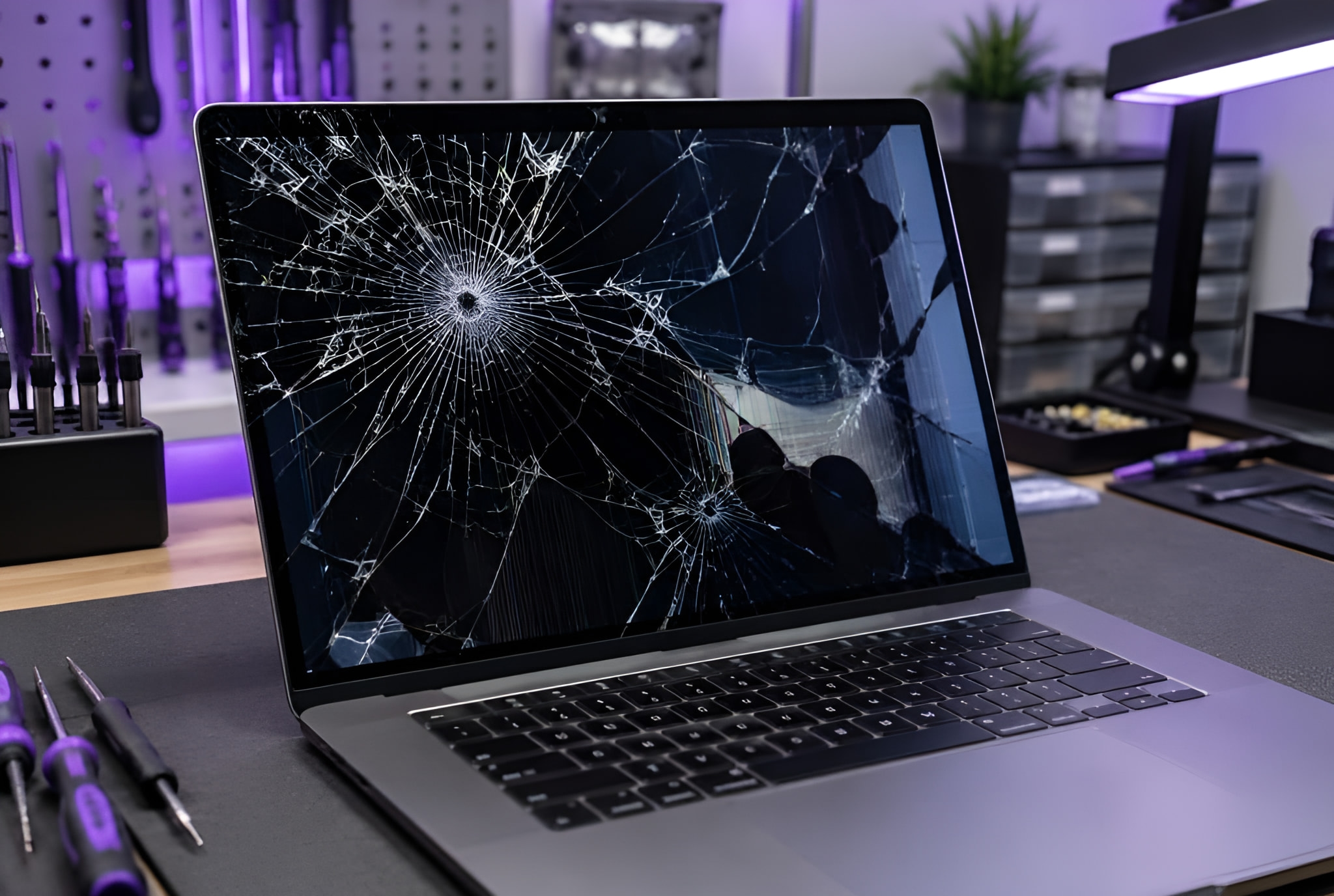
Laptop Overheating Repair St Albans technician cleaning laptop cooling

Common Causes of Overheating We Fix in St Albans

Laptops overheat as dust builds up and thermal paste dries out over the years. Laptop Overheating Repair St Albans tackles the root cause so your machine runs cool and quiet. Here is a quick guide to the warning signs and what they usually mean. Our Laptop Overheating Repair St Albans team gets temperatures under control fast.

Overheating SignLikely Cause
Fans running loud and fastDust-clogged vents or cooling
Hot base and keyboardDried thermal paste
Random shutdownsThermal protection kicking in
Sluggish under loadThermal throttling
Burning smell or heat marksSerious cooling failure, act now

Dust-Clogged Fans and Vents

Over time, dust chokes the fans and vents so hot air cannot escape. Our Laptop Overheating Repair St Albans service strips down, deep cleans and clears the airflow so temperatures drop fast. Laptop Overheating Repair St Albans covers every make and model.

Dried-Out Thermal Paste

The paste between the processor and heatsink dries and cracks over the years, ruining heat transfer. We apply fresh, high-quality thermal paste to restore proper cooling.

Shutdowns and Throttling

When a laptop gets too hot it throttles performance or shuts down to protect itself. Fixing the cooling stops these frustrating interruptions and protects your components.


Do This First Before You Book

A few quick checks can ease the heat before we arrive.

  • Use it on a hard, flat surface. Beds and laps block the vents and trap heat.
  • Check the vents for dust. Visible fluff around the vents is a clear warning sign.
  • Monitor your temperatures. Free tools show CPU and GPU heat under load.
  • Read safe cooling advice. Chip makers like Intel publish safe operating temperature guidance.

My laptop kept shutting down mid-call. They cleaned it and repasted it at my desk and it runs cool and silent now.

Hyper Tech Team, St Albans


How Our Laptop Overheating Repair St Albans Service Works

  1. You call, WhatsApp or book online and describe the heat and noise.
  2. We arrange a free call-out at your home or workplace in St Albans.
  3. Our technician checks temperatures and confirms a fixed price before any work.
  4. We deep clean the cooling and apply fresh thermal paste, then retest under load.
  5. You get your laptop back cool and quiet, backed by our warranty.

Why St Albans Customers Choose Hyper Tech Team

  • Free call-out across St Albans and nearby towns with no hidden charges.
  • No fix no fee so you never pay unless we solve the problem.
  • Warranty up to 12 months on parts and labour for total confidence.
  • Proper deep cleans and quality thermal paste, not a quick blast of air.
  • Local, friendly experts who explain everything in plain English.

Related Services

Need more help? Explore our computer repair, slow computer repair, gaming PC repair and laptop overheating repair services, all available across St Albans.


Laptop Overheating Repair St Albans: Your Questions Answered

Why does my laptop overheat?

The usual causes are dust-clogged cooling and dried thermal paste. Our Laptop Overheating Repair St Albans service fixes both to bring temperatures back down.

Can overheating damage my laptop?

Yes, prolonged heat can damage the processor, battery and other parts, so a prompt Laptop Overheating Repair St Albans visit protects your machine.

Do you come to my home in St Albans?

Yes. We offer a free call-out across St Albans and the surrounding towns, so there is no need to leave home.

How long does a cooling service take?

Most cooling repairs are completed the same day, often within an hour once we have your laptop opened up.


Book Your Laptop Overheating Repair in St Albans Today

Do not let heat wreck your laptop. Get in touch and we will have it cool and quiet again fast.

For fast, thorough Laptop Overheating Repair St Albans with free call-out, no fix no fee and a full warranty, contact Hyper Tech Team today.

Local Repair Hub

Full Laptop & Computer Repairs in St Albans

See our complete range of laptop, PC, Mac and gaming repair services for St Albans on one page, including free call-out, warranty and our no fix no fee promise.

Visit Our St Albans Repairs Page →

Some Recent Articles

Trackpad Not Clicking? Laptop Trackpad Repair Hemel Hempstead

Loud Or Shutting Down? Laptop Fan Replacement Hemel Hempstead

Keep Dropping Offline? Laptop WiFi Repair Hemel Hempstead