Laptop RAM upgrade in Hemel Hempstead: freezing with tabs open?
Quick answer
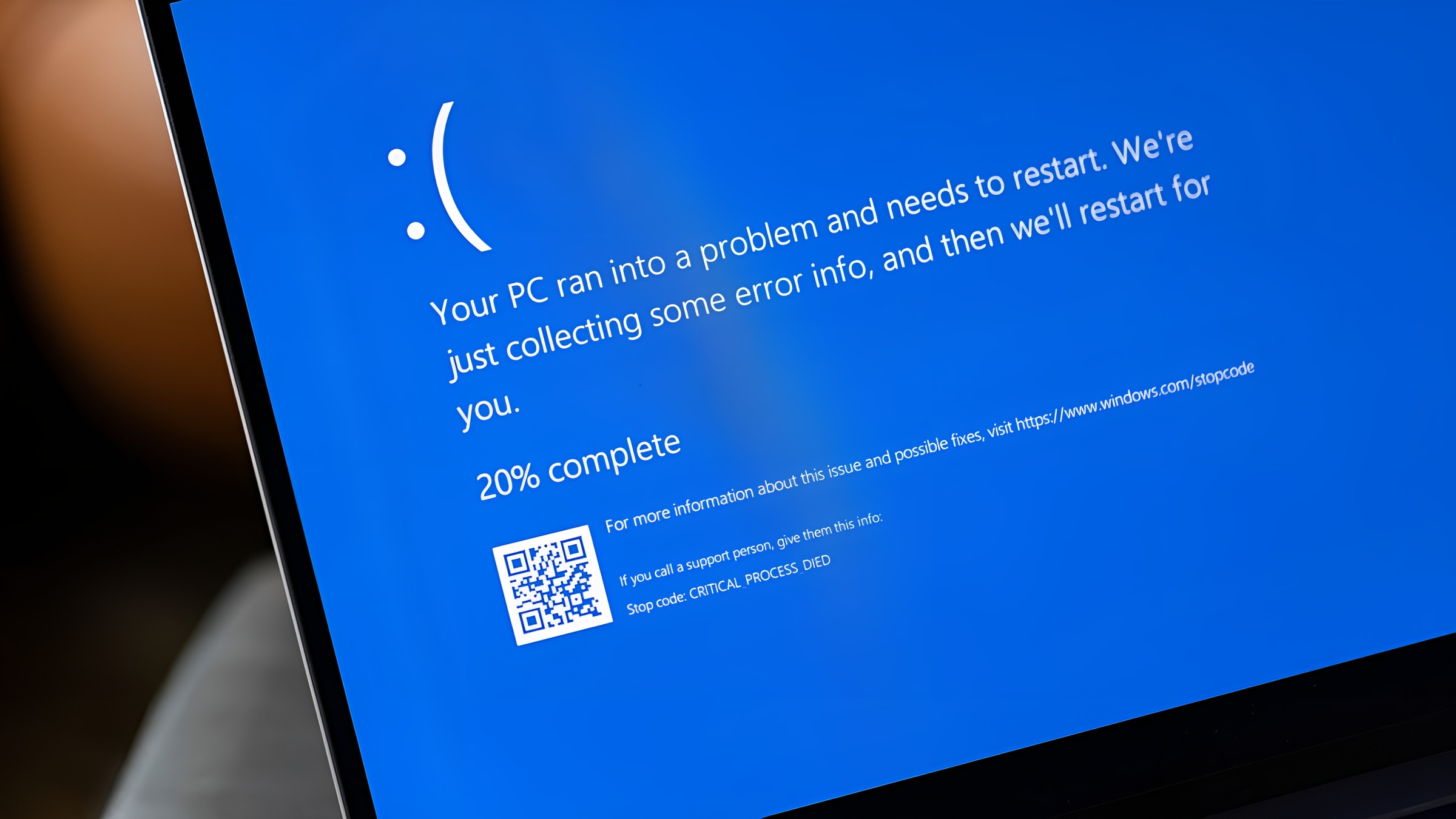
Freezing with tabs open?
Laptop RAM upgrade in Hemel Hempstead stops the freezing and stuttering that happens when a laptop runs out of memory. If your machine grinds to a halt with a few browser tabs open, more RAM is often the answer. Memory is where your laptop holds everything it is actively using.
By Hyper Tech TeamUpdated
- We come to you.
- No fix, no fee: if we can’t fix it, you pay nothing.
- Warranty: 1 to 12 months, confirmed with your quote, before any work starts.
When it runs low, the system slows to a crawl and freezes. Adding more RAM lets you run more apps and tabs smoothly at the same time.
Laptop RAM upgrade in Hemel Hempstead: how much RAM
A rough guide to how much memory suits different types of use.
| Use | Recommended | Result |
|---|---|---|
| Basic browsing | 8GB | Comfortable everyday use |
| Office and multitasking | 16GB | Smooth with many tabs |
| Creative work | 16 to 32GB | Handles heavy apps |
| Gaming | 16GB plus | Fewer stutters |
| Old 4GB laptop | Upgrade to 8GB plus | Big improvement |
What you can do before you call us
- Check how many tabs and apps you usually run
- Close programs you are not using to free memory
- Pair more RAM with an SSD (solid-state drive, a fast drive with no moving parts) for the best result
- Ask us if your laptop supports a memory upgrade
- 8GB is a sensible minimum for modern use
If your laptop freezes when you open a few things at once, a memory upgrade will likely fix it. For official guidance you can also visit the manufacturer support site.
“When a laptop freezes with a handful of tabs open, it is usually starved of memory, not worn out.”
How our laptop RAM upgrade service works
Check
We confirm how much memory your laptop supports and what is fitted.
Advise
You get an honest recommendation on the right amount for your use.
Fit
We install the memory and confirm it is recognised correctly.
Test
We check smooth multitasking before returning your laptop.
Laptop RAM upgrade: your questions answered
Will more RAM speed up my laptop?
If your laptop freezes with several apps open, more memory usually gives a big improvement.
Can every laptop be upgraded?
Many can, but some have soldered memory. We check yours before recommending an upgrade.
How long does it take?
Many problems are fixed on the spot; some repairs need the workshop.
Do you charge if it cannot be upgraded?
No. We work on a no fix, no fee basis.
Why laptop RAM upgrade is worth doing right
Stop the freezing
More memory removes the bottleneck that causes freezing with several apps open.
Great value
A RAM upgrade is inexpensive compared with buying a new laptop.
Windows 11 comfort
More memory keeps Windows 11 running smoothly, especially with modern apps.
Where we come
We come to you at home or at work in Hemel Hempstead. Rather bring it to us? Call first and we’ll arrange it.