A job we did
Laptop wouldn’t charge after a water spill
Water went over the laptop and it stopped charging. We collected it, repaired it at the workshop, and had it back with its owner, working, within 48 hours.
A cracked screen, a keyboard that stopped typing, a battery that dies in an hour or a laptop that won’t charge. We come to you, find the fault and fix it. Your quote comes first.
Quick answer
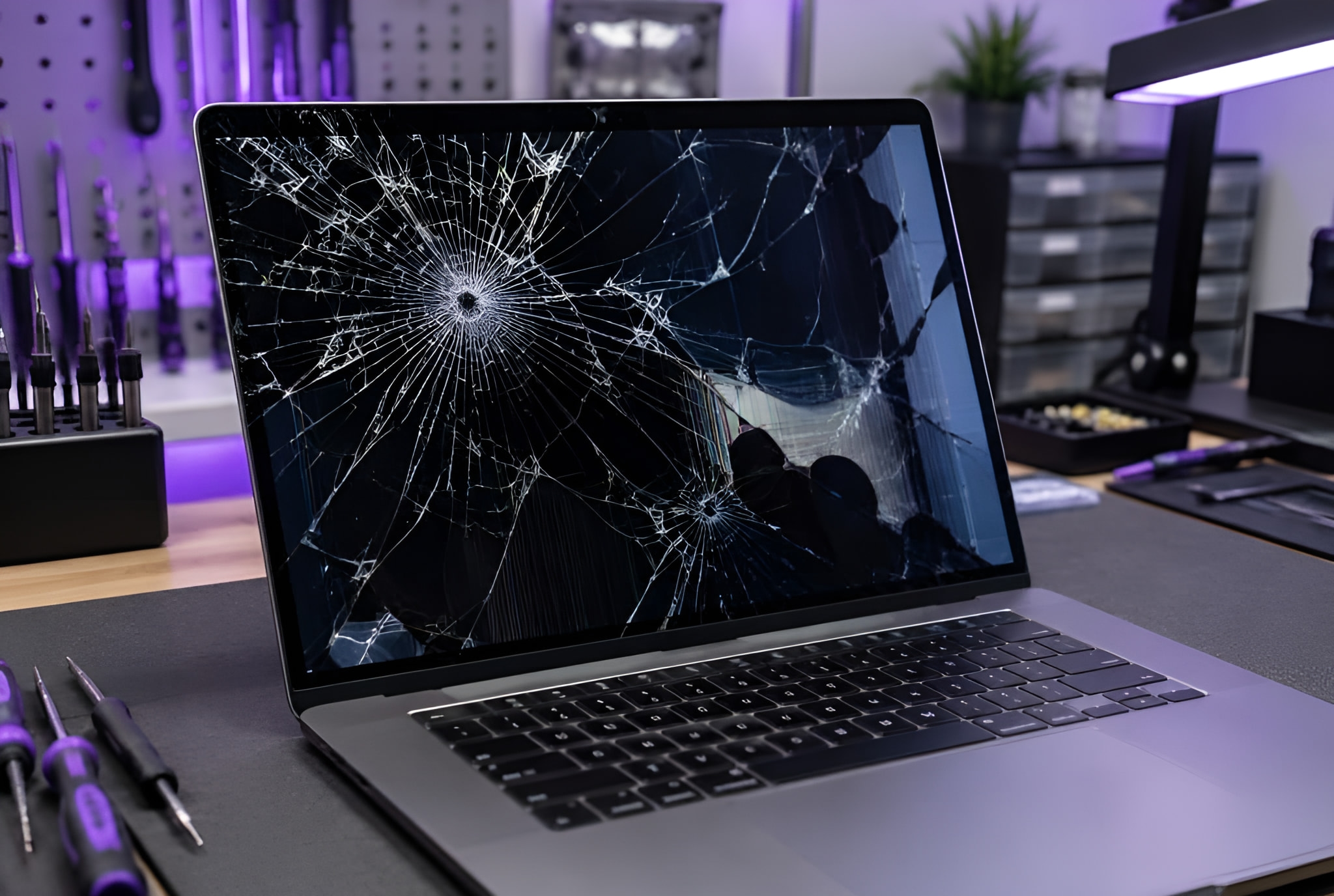
In many cases, yes. We repair laptop screens, keyboards, batteries, charging ports, hinges and fans, and laptops that won’t start or have had a drink spilt on them. We come to your home or office, and your quote comes first, before any work starts.
What we fix
Windows laptops and MacBooks. For Macs, see Mac and iMac repair.
Cracked, flickering, lined or black screens replaced.
Keys that stick, are missing or stopped typing; trackpads that stopped clicking.
Batteries that no longer last, and laptops that won’t charge: worn or loose charging ports, DC jack or USB-C, included.
Stiff, loose or snapped hinges, and cracked cases.
Dried out, cleaned and tested before the damage spreads.
Dust cleared and the cooling renewed, so it runs cool and quiet.
No lights, or lights but no picture.
More about itA faster SSD or more memory for a laptop that has slowed down.
More about itSymptoms
What you see, what is usually behind it, and what to do now. The diagnosis confirms it before any work starts.
How it works

Step 1
Book online, send a photo of the fault on WhatsApp, or call.

Step 2
At home or at work, at a time that suits you. Rather bring it to us? Call first and we’ll arrange it.

Step 3
Your quote comes first. No fix, no fee: if we can’t fix it, you pay nothing. Warranty: 1 to 12 months, confirmed with your quote, before any work starts.
Real jobs
Every job is quoted on its own. This is a job we have actually done, and what our customers wrote.
A job we did
Water went over the laptop and it stopped charging. We collected it, repaired it at the workshop, and had it back with its owner, working, within 48 hours.
“I had booked the Hyper TechTeam after my laptops USB-C charging port stopped working and my computer was stuck in a boot…”
Price
Every repair is quoted on its own, before any work starts. The price depends on the laptop and the part, so there is no price list.
No fix, no fee: if we can’t fix it, you pay nothing.
Warranty on repairs: 1 to 12 months, confirmed with your quote, before any work starts.
Where
At home or at work across Hertfordshire, Bedfordshire, London, Birmingham and Leicester.
Questions
Something else? Send a message on WhatsApp and we’ll answer.
A photo on WhatsApp often shows us which part it needs. Your quote comes first.