
Windows boot repair in Luton: Windows won’t start or stuck on the logo?
Quick answer
Windows won’t start or stuck on the logo?
Windows boot repair in Luton is one of the most urgent jobs we handle, because a computer that will not start leaves you locked out of everything, from work files to family photos. Hyper Tech Team is your local startup and recovery specialist for Luton and the surrounding towns.
By Hyper Tech TeamUpdated
- We come to you.
- No fix, no fee: if we can’t fix it, you pay nothing.
- Warranty: 1 to 12 months, confirmed with your quote, before any work starts.
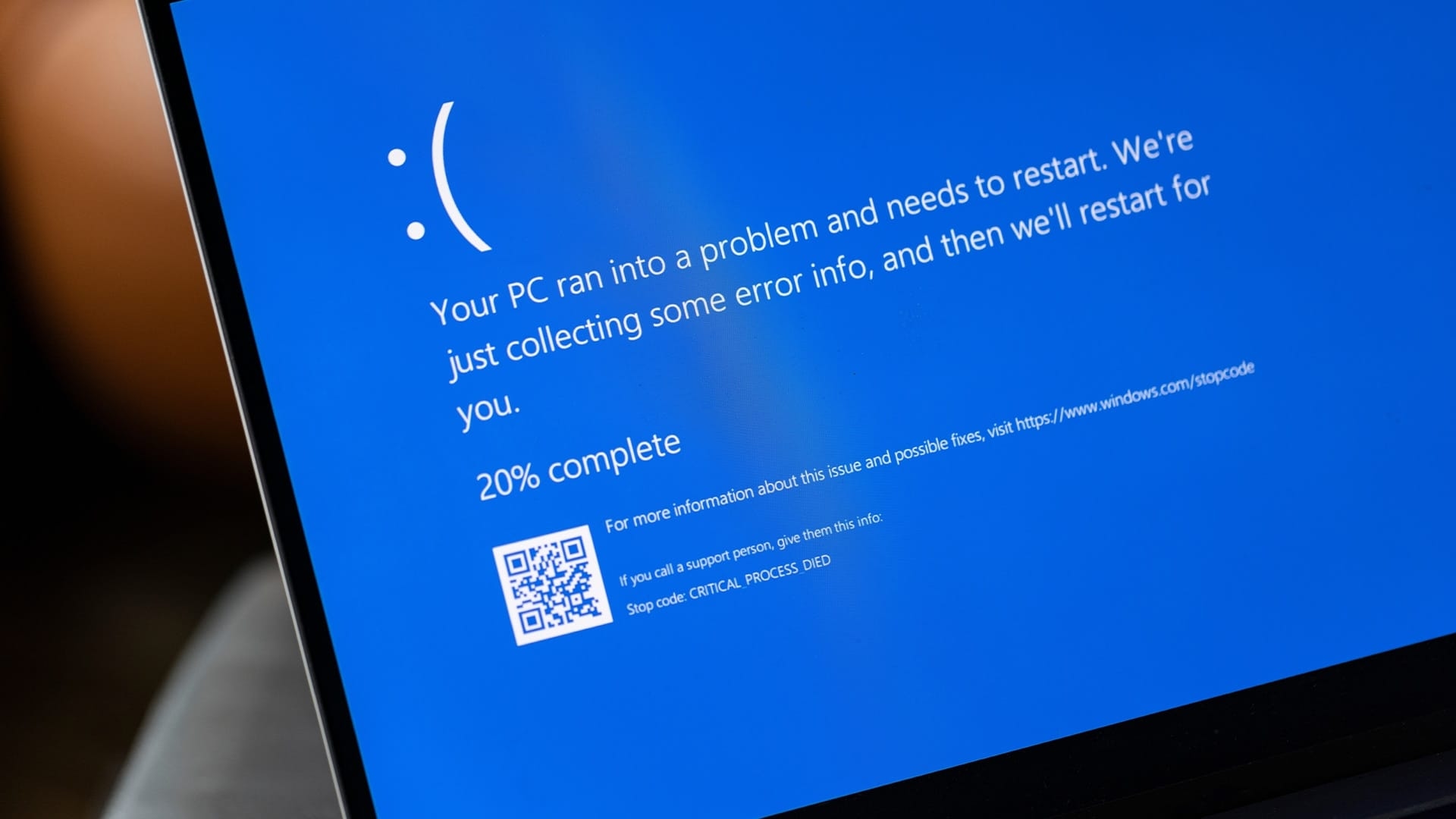
Whether it hangs on the manufacturer logo, spins forever on the loading circle, or drops into a recovery loop, the cause can almost always be traced and fixed.
Warranty: 1 to 12 months, confirmed with your quote, before any work starts. This guide explains why Windows fails to start, what you can safely try, and how we get you back to your desktop.
Why Windows will not start
A Windows boot repair job starts with finding where the startup process breaks down. Your computer has to pass through several stages before you see the desktop, and a fault at any one of them stops the whole thing. The table below shows what people see and what usually lies behind it.
| What you see at startup | Most likely cause |
|---|---|
| Stuck on the manufacturer logo | Failing drive or corrupt boot files |
| Automatic Repair or recovery loop | Damaged Windows system files |
| No boot device found message | A disconnected or dead hard drive |
| Spins forever then restarts | A bad update or driver conflict |
| Black screen with a blinking cursor | Missing bootloader or drive errors |
The most common boot failures
Corrupt Windows system files
A sudden power cut or a failed update can damage the files Windows needs to load. In a Windows boot repair job, repairing or rebuilding them is often the whole fix, and your data stays exactly where it is.
A failing hard drive or SSD
If the drive that holds Windows is dying, the computer cannot load the operating system. Every Windows boot repair diagnosis checks drive health first, because this protects your files as much as your ability to start up.
A bad update or driver
Updates occasionally leave a machine unable to boot. A Windows boot repair service can roll the system back to a working state without wiping your personal files.
Loose or dead hardware
A disconnected drive cable, failed memory or a power fault can all stop a boot. On desktops especially, a Windows boot repair physical check often reveals the culprit quickly.
Do this first: safe checks before you call
- Remove USB devices. A plugged-in USB stick or drive can hijack the boot order. Unplug everything and try again.
- Do a full power cycle. Hold the power button for ten seconds to fully shut down, then start fresh.
- Do not repeatedly interrupt startup. Forcing restarts during loading can corrupt more files.
- Note any error text. Messages like Inaccessible Boot Device are valuable clues. Microsoft lists startup fixes in their recovery guide.
The worst thing you can do to a machine stuck on the logo is keep pulling the plug. Each forced restart risks the files it needs to recover. Stop, and let it be looked at.
Hyper Tech Team, Luton
How our Windows boot repair works
- We come to you with a call-out and find exactly where the boot fails.
- We test the drive, memory and system files, and protect your data before touching anything.
- We give you a clear fixed price before any work begins.
- We carry out the fix, from repairing Windows to replacing a failing drive and restoring your files, then start it up with you.
Windows boot repair in Luton: your questions answered
Will I lose my files if Windows will not start?
Usually not. A Windows boot repair job is designed to protect your data first, and even when a drive is failing we can normally recover your files before replacing it.
Can you fix it without reinstalling Windows?
Very often, yes. Many Windows boot repair jobs are done in place without a full reinstall, which keeps your programs and files intact.
How long does the repair take?
Many problems are fixed on the spot; some repairs need the workshop. If a failing drive needs replacing and data restoring, it may take a little longer, and we will tell you up front.
Do you cover my area?
Yes. We cover all of Luton and the surrounding towns with a call-out, so there is no need to travel to a shop.
Where we come
We come to you at home or at work in Luton. Rather bring it to us? Call first and we’ll arrange it.