
MacBook and iMac repair
A cracked MacBook screen, a battery that won’t last the morning, keys that stopped working, or an iMac that has slowed to a crawl. We repair and upgrade Macs at home or at work. Your quote comes first.
Quick answer
Can you repair my MacBook or iMac?
Yes. We repair MacBook Air, MacBook Pro and iMac screens, batteries, keyboards and charging faults, sort out Macs that won’t start or have slowed down, and upgrade older Macs with faster storage. We come to you, and your quote comes first, before any work starts.
What we fix
MacBooks and iMacs, repaired and upgraded.
Tell us the model and the year (Apple menu, About This Mac) and the fault.
Screens
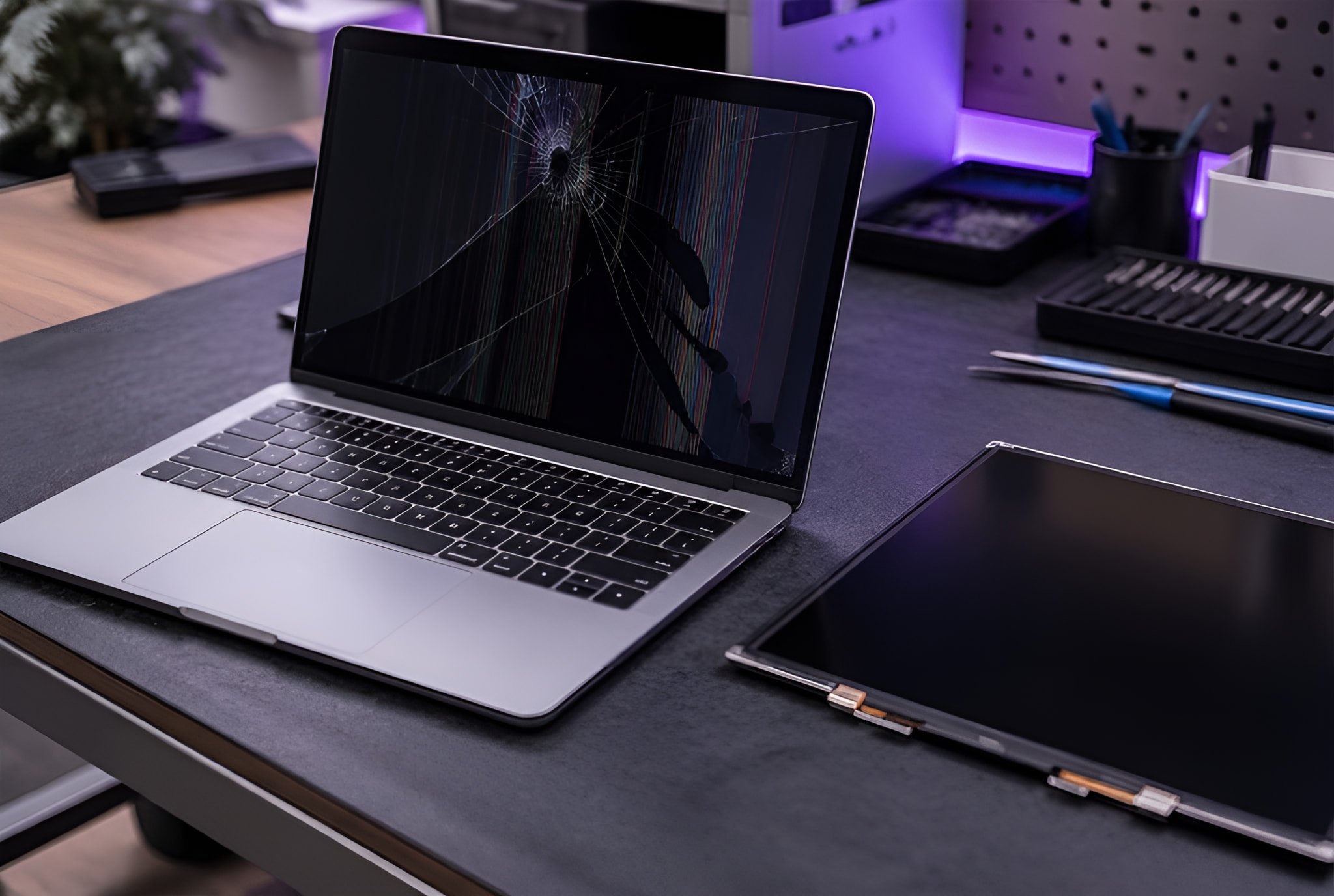
Cracked, lined or dark MacBook and iMac screens replaced.
Batteries
MacBook batteries replaced when they no longer last.
Keyboards and trackpads
Keys that stick, repeat or don’t respond, and trackpads that stopped clicking.
Charging and power
MacBooks that won’t charge or won’t switch on.
Liquid damage
A drink spilt on a MacBook: cleaned, assessed and quoted before the corrosion spreads.
Won’t start
A folder with a question mark, a loop or a blank screen at start-up.
Upgrades
Faster SSD storage for older iMacs and MacBooks, and memory where the model allows.
Slow Macs and macOS
Updates, settings and programs sorted, and files moved to a new Mac.
More about it
Symptoms
What it usually turns out to be
What you see, what is usually behind it, and what to do now. The diagnosis confirms it before any work starts.
A folder with a question mark
- Usually
- The Mac can’t find its start-up drive: a failing drive, its cable, or a damaged system.
- What to do now
- Don’t keep restarting it, especially if the files matter.
The battery says “Service Recommended”
- Usually
- A battery at the end of its life.
- What to do now
- Check the battery in System Settings, under Battery, and tell us the model.
Lines, blotches or a dark screen
- Usually
- A damaged screen, or its cable; on some models, the graphics.
- What to do now
- Plug it into a TV or monitor: if the picture shows there, the rest of the Mac is fine.
Keys repeat or don’t respond
- Usually
- Dirt or a spill under the keys, or a worn keyboard.
- What to do now
- Don’t prise the keys off; a photo on WhatsApp helps.
An iMac that takes minutes to start
- Usually
- An old spinning hard drive, often the slowest part of an older iMac.
- What to do now
- Ask us about an SSD upgrade before you replace the whole iMac.
A drink spilt on a MacBook
- Usually
- Liquid on the board, which corrodes it while there is power.
- What to do now
- Switch it off at once, don’t charge it, and tell us what happened.
How it works
How a repair works

Step 1
Tell us what’s wrong
Book online, send a photo and the model on WhatsApp, or call.

Step 2
We come to you
At home or at work, at a time that suits you. Rather bring it to us? Call first and we’ll arrange it.

Step 3
Your quote, then the fix
Your quote comes first. No fix, no fee: if we can’t fix it, you pay nothing. Warranty: 1 to 12 months, confirmed with your quote, before any work starts.
Reviews
What customers wrote.
Every job is quoted on its own. Here is what our customers wrote.
“I needed an urgent fix of my wife's desktop and within the day they came directly to me and fixed the issue.”
Jack MayGoogle review · Urgent desktop fix
Price
What it costs
Every repair is quoted on its own, before any work starts. The price depends on the model and the part, so there is no price list.
No fix, no fee: if we can’t fix it, you pay nothing.
Warranty on repairs: 1 to 12 months, confirmed with your quote, before any work starts.
Where
We come to you.
At home or at work across Hertfordshire, Bedfordshire, London, Birmingham and Leicester.
- Hertfordshire
- Bedfordshire
- London
- Birmingham
- Leicester
- Hemel Hempstead
- St Albans
- Hitchin
- Milton Keynes
- Leighton Buzzard
- Watford
Questions
What people ask us.
Something else? Send a message on WhatsApp and we’ll answer.
Which Macs do you repair?
How quickly can you come?
Is it worth upgrading an old iMac?
Will my files be safe?
Do you come to me?
What will it cost?
Mac playing up? Tell us the model and the fault.
A photo on WhatsApp and the model (Apple menu, About This Mac) help us quote. Your quote comes first.