SSD upgrade in Luton: computer taking forever to start?
Quick answer
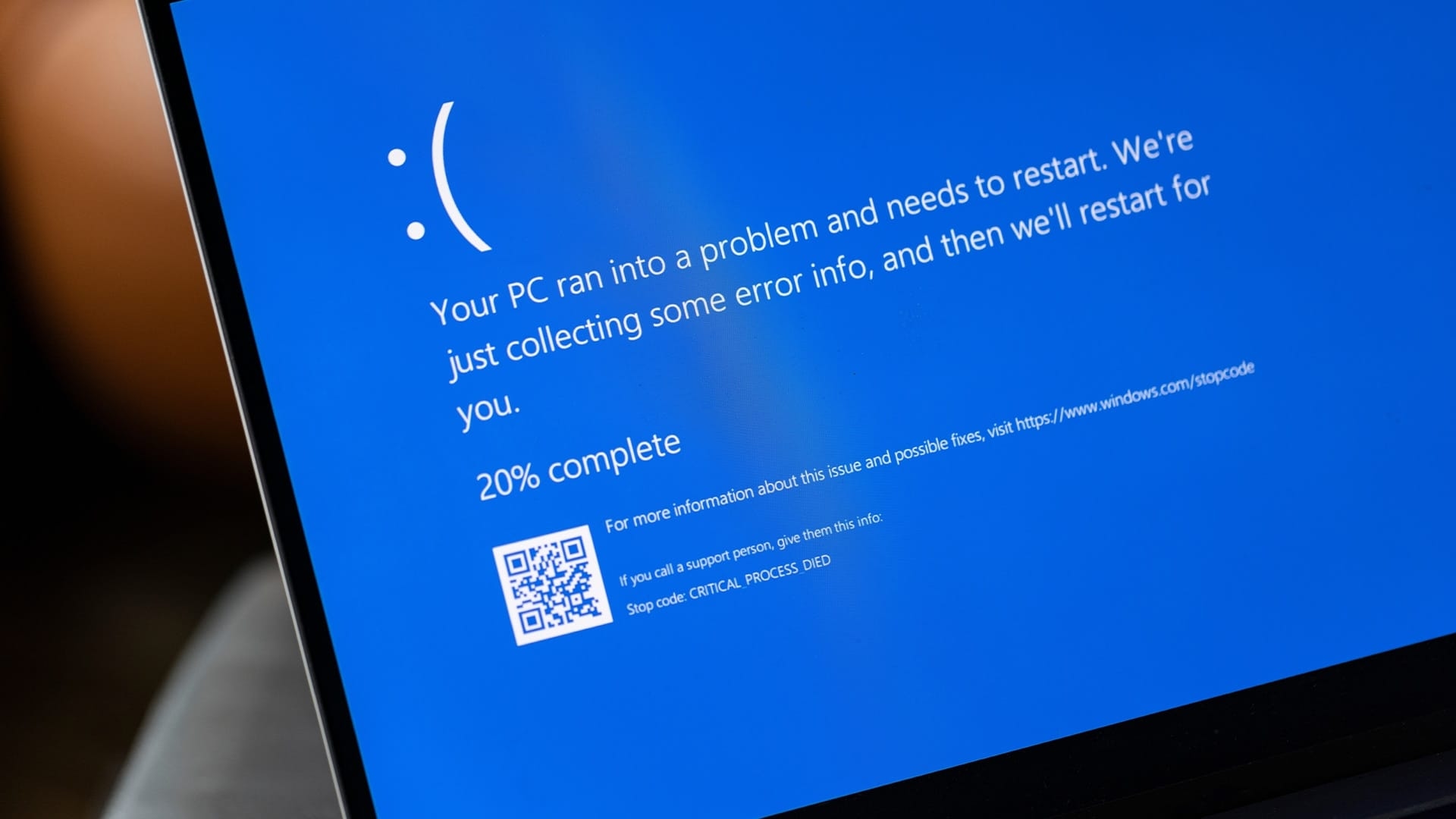
Computer taking forever to start?
SSD upgrade in Luton is the single fastest way to bring a slow, sluggish computer back to life, and it usually costs far less than buying a brand new machine. Hyper Tech Team is your local SSD upgrade specialist for Luton and the surrounding towns.
By Hyper Tech TeamUpdated
- We come to you.
- No fix, no fee: if we can’t fix it, you pay nothing.
- Warranty: 1 to 12 months, confirmed with your quote, before any work starts.
If your PC or laptop takes several minutes to boot, freezes when you open a browser, or grinds to a halt with the spinning circle, an old mechanical hard drive is almost always the culprit.
Warranty: 1 to 12 months, confirmed with your quote, before any work starts. This guide covers the signs that you need an SSD (solid-state drive, a fast drive with no moving parts), what the upgrade involves, and how we keep all of your files safe during the swap.
Signs your computer is crying out for an SSD upgrade
My computer takes minutes to boot up
If you have time to make a cup of tea while your machine loads the desktop, the hard drive is struggling. An SSD upgrade removes the moving parts that cause this delay and cuts boot times to just a few seconds.
Everything freezes when I open programs
Frequent freezing, the spinning wheel, and long pauses when switching between apps point to a drive that cannot keep up. An SSD upgrade lets programs and files load almost instantly.
I hear clicking or grinding noises
Clicking, grinding, or buzzing from inside the case is a warning that a mechanical hard drive is failing. Back up your data and book a repair quickly, because a dying drive can take your files with it.
Do this first: quick checks before you book
- Restart the computer once and note if the slowdown continues, as a single reboot can clear temporary glitches.
- Check how much free space is left on your main drive, because a nearly full disk makes any computer crawl.
- Close startup programs you do not need, following the official Microsoft startup apps guide for a safe walkthrough.
- Back up anything precious before any work begins, so your photos and documents are never at risk.
How our SSD upgrade service works
- We arrive at your home or office and run a diagnostic to confirm the drive is the bottleneck.
- We clone your existing system, files, and settings onto a fast new SSD so nothing is lost.
- We fit the drive, boot the machine, and check that Windows, your apps, and your data all load correctly.
SSD upgrade in Luton: your questions answered
Will I lose my files during an SSD upgrade?
No. We clone your entire system onto the new drive, so your files, programs, and settings carry over exactly as they were.
How much faster will my computer be?
Most machines boot in under fifteen seconds after an SSD upgrade, and everyday tasks feel instant compared to an old hard drive.
Can you upgrade a laptop as well as a desktop?
Yes. We fit SSDs into laptops, desktops, and all-in-one machines, and we bring every tool needed to your door.
How long does the upgrade take?
Many problems are fixed on the spot; some repairs need the workshop.
Where we come
We come to you at home or at work in Luton. Rather bring it to us? Call first and we’ll arrange it.