
Laptop speaker repair in St Albans: crackling laptop sound?
Quick answer
Crackling laptop sound in St Albans?
St Albans – On-Site Laptop Speaker Specialists Laptop speaker repair is what you need when your speakers crackle, buzz, play from one side only or have gone completely silent. Poor sound ruins video calls, music and films, and a failing speaker rarely gets better on its own.
By Hyper Tech TeamUpdated

- We come to you.
- No fix, no fee: if we can’t fix it, you pay nothing.
- Warranty: 1 to 12 months, confirmed with your quote, before any work starts.
Hyper Tech Team is your local laptop speaker specialist. Warranty: 1 to 12 months, confirmed with your quote, before any work starts. This guide explains the common causes, what they mean, and exactly how we get your laptop sounding clear again.
Common speaker faults we fix
Speaker problems show up in several ways, from a total loss of sound to distortion at higher volume. Our laptop speaker repair service starts with a diagnosis so you only pay for the repair that genuinely fixes it.
| Symptom | Likely Cause | Our Fix |
|---|---|---|
| Crackling or buzzing | Blown or damaged speaker cone | Speaker replacement |
| Sound from one side only | Loose wiring or dead speaker | Re-wire or replace unit |
| No sound at all | Driver fault or dead speakers | Driver fix or replacement |
| Distortion at high volume | Worn or low-quality speaker | Fit a quality replacement |
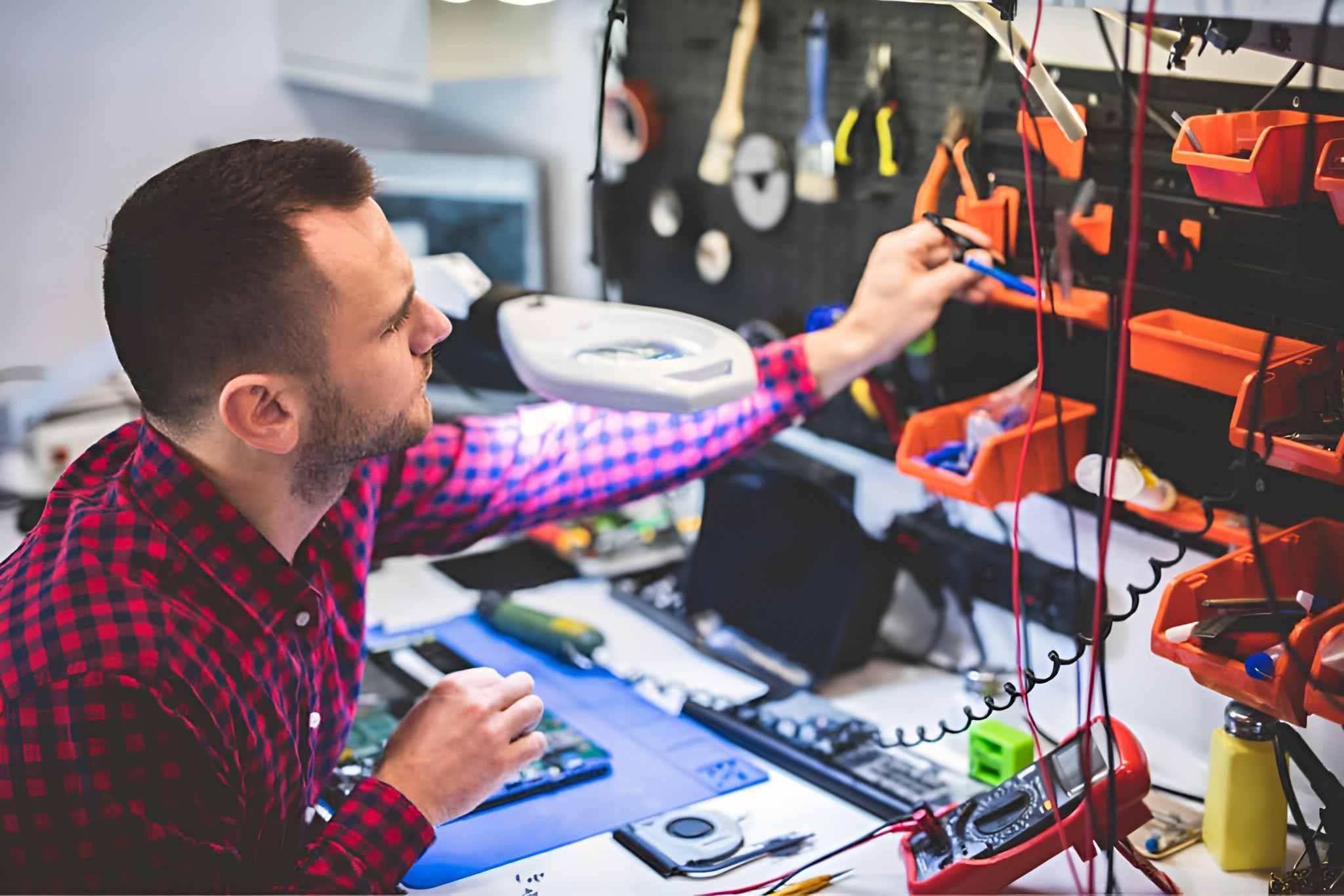
What causes laptop speakers to fail?
Worn or blown speaker cones
Years of use, dust and high volume can wear out the tiny speaker cones inside a laptop. This leads to the crackle and buzz we hear about most often, and it is the number one reason for a laptop speaker repair call. Fitting fresh speakers restores clean, full sound.
Loose or damaged wiring
The thin wires connecting the speakers can work loose or break, usually causing sound from one side only. Our laptop speaker repair includes checking and re-seating this wiring before anything is replaced, so you never pay for parts you do not need.
Driver and software faults
Sometimes the speakers are perfectly fine and a corrupt driver is to blame. We always test the software side first, because a quick driver fix can save you the cost of a hardware repair entirely.
Try this before you call
- Check the volume level and make sure the laptop is not muted.
- Plug in headphones to see if the fault is the speakers or the system.
- Update the audio driver and restart the laptop.
- Test at a lower volume to check if distortion changes.
If the sound is still poor, it is time for a professional look. You can read more about audio troubleshooting on Microsoft’s official support pages, then let us handle the hands-on repair.
Hyper Tech Team, St Albans
How our laptop speaker service works
1: Call, WhatsApp or book online and describe the sound problem you are hearing.
2: We arrive at your home or office and diagnose the fault.
3: You get a clear fixed quote before any work starts, with no obligation.
Laptop speaker repair in St Albans: your questions answered
Can crackling speakers be fixed?
Usually yes. Crackling is often a worn speaker that we can replace quickly. We diagnose and only recommend a repair if it genuinely improves the sound.
How much does speaker repair cost?
It depends on the laptop model and parts, but speaker repair is far cheaper than a new machine. You get a fixed quote before any work, and with no fix, no fee you risk nothing.
Can you fix it the same day?
Often yes. If we have the right speaker in stock we complete your laptop speaker repair on the visit. Otherwise we order the part and return promptly.
Do you come to me?
Yes. We offer a call-out, so there is no need to travel or post your device anywhere.
Where we come
We come to you at home or at work in St Albans. Rather bring it to us? Call first and we’ll arrange it.